

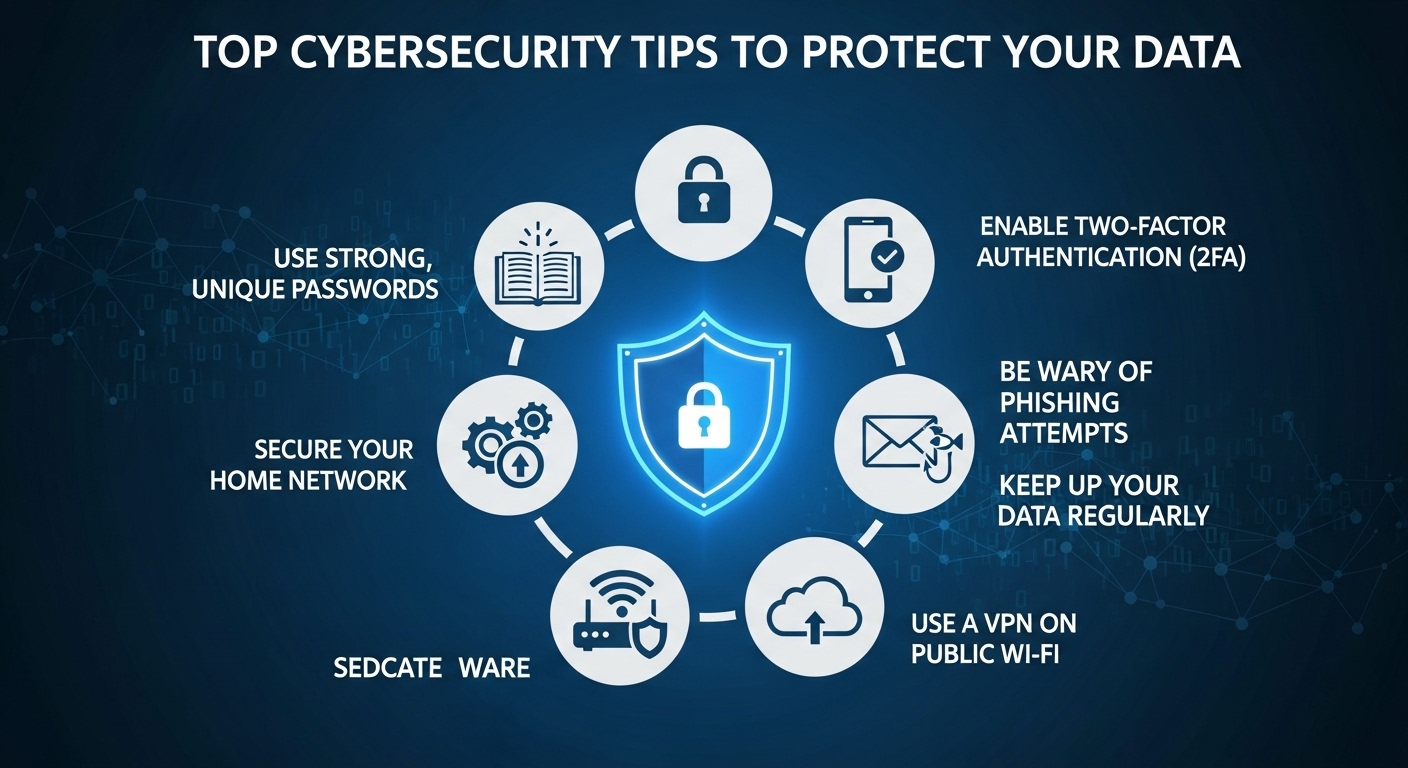
Cybersecurity has become one of the most important aspects of modern digital life as more personal, financial, and business data moves online. Cyber threats such as hacking, phishing, malware, and identity theft are increasing every year. Protecting your data requires awareness, strong digital habits, and the right security tools to ensure safety in an increasingly connected world.
Strong Password Protection
Create Complex Passwords
Using strong and complex passwords is one of the most effective ways to protect your accounts. A good password includes a mix of letters, numbers, and symbols. Simple or predictable passwords make it easier for hackers to access personal information, so complexity is essential for digital safety.
Use Unique Passwords
Each account should have a different password to reduce risk. If one account is compromised, others remain safe. Reusing passwords across platforms increases vulnerability and makes cyber attacks more damaging.
Password Manager Tools
Password managers securely store and generate strong passwords automatically. These tools reduce the need to remember multiple passwords and improve overall account security significantly.
Regular Password Updates
Changing passwords regularly helps reduce the risk of unauthorized access. Updated credentials ensure that even if old data is exposed, accounts remain protected.
Avoid Sharing Passwords
Passwords should never be shared with others. Sharing sensitive login information increases the risk of misuse and security breaches.
Safe Internet Browsing
Avoid Suspicious Websites
Visiting unknown or suspicious websites increases the risk of malware infections and phishing attacks. Always use trusted and verified platforms for online activity.
Check Website Security
Secure websites use HTTPS encryption, which protects data during transmission. Always ensure websites are secure before entering personal information.
Avoid Clicking Unknown Links
Unknown links in emails or messages may lead to harmful websites. These links are often used in phishing attacks to steal sensitive information.
Use Safe Search Engines
Reliable search engines filter unsafe websites and provide better protection while browsing the internet.
Enable Browser Security Settings
Modern browsers offer security settings that block harmful websites and warn users about potential threats.
Antivirus and Software Protection
Install Antivirus Software
Antivirus software detects and removes malware, viruses, and spyware from devices. It provides real-time protection against cyber threats.
Keep Software Updated
Regular updates fix security vulnerabilities in operating systems and applications. Outdated software is easier for hackers to exploit.
Enable Automatic Updates
Automatic updates ensure that devices always have the latest security patches without manual effort.
Use Firewall Protection
Firewalls monitor incoming and outgoing traffic and block unauthorized access to your system.
Scan Devices Regularly
Regular system scans help detect hidden threats early and keep devices secure.
Email and Phishing Safety
Identify Phishing Emails
Phishing emails often look real but contain harmful links or requests for personal information. Recognizing them is essential for safety.
Avoid Unknown Attachments
Attachments from unknown senders may contain malware that can damage devices or steal data.
Verify Sender Identity
Always check email addresses carefully before responding or clicking any links.
Do Not Share Sensitive Information
Never share passwords, bank details, or personal information through email.
Report Suspicious Emails
Reporting phishing emails helps protect other users and improves overall security systems.
Secure Online Accounts
Enable Two Factor Authentication
Two factor authentication adds an extra layer of security by requiring a second verification step during login.
Use Strong Login Methods
Secure login methods reduce the risk of unauthorized access to accounts.
Monitor Account Activity
Regularly checking account activity helps identify suspicious behavior early.
Log Out After Use
Logging out of accounts on shared devices prevents unauthorized access.
Limit Account Permissions
Grant only necessary permissions to apps and services to reduce data exposure risks.
Mobile Device Security
Use Screen Lock Protection
Screen locks such as PINs, passwords, or biometrics protect mobile devices from unauthorized access.
Install Trusted Apps Only
Downloading apps from official stores reduces the risk of malware infections.
Avoid Public WiFi Risks
Public WiFi networks are often insecure and can expose personal data to hackers.
Enable Device Tracking
Device tracking helps locate lost or stolen phones quickly and securely.
Keep Mobile Software Updated
Regular updates improve security and fix vulnerabilities in mobile systems.
Data Backup and Recovery
Regular Data Backup
Backing up data ensures important files are safe in case of cyber attacks or system failure.
Cloud Storage Security
Secure cloud storage protects data and allows access from multiple devices safely.
External Storage Use
External drives provide offline backup options for important files.
Automatic Backup Systems
Automated backups reduce the risk of data loss and ensure regular protection.
Data Recovery Plans
Having a recovery plan helps restore data quickly after cyber incidents.
FAQs
What is the most important cybersecurity tip?
Using strong and unique passwords is the most important step.
How can I avoid phishing attacks?
Avoid clicking unknown links and verify email sources carefully.
Is antivirus software necessary?
Yes, it helps detect and prevent malware and cyber threats.
Why is two factor authentication important?
It adds an extra layer of security to protect online accounts.
Can public WiFi be dangerous?
Yes, public WiFi can expose your data to hackers if not protected.
Conclusion
Cybersecurity is essential in today’s digital world where personal and professional data is constantly at risk. By using strong passwords, safe browsing habits, antivirus protection, and secure online practices, users can significantly reduce cyber threats. Staying alert and practicing good digital hygiene ensures long term safety and protects valuable information from unauthorized access and cyber attacks.
